Import a CSV
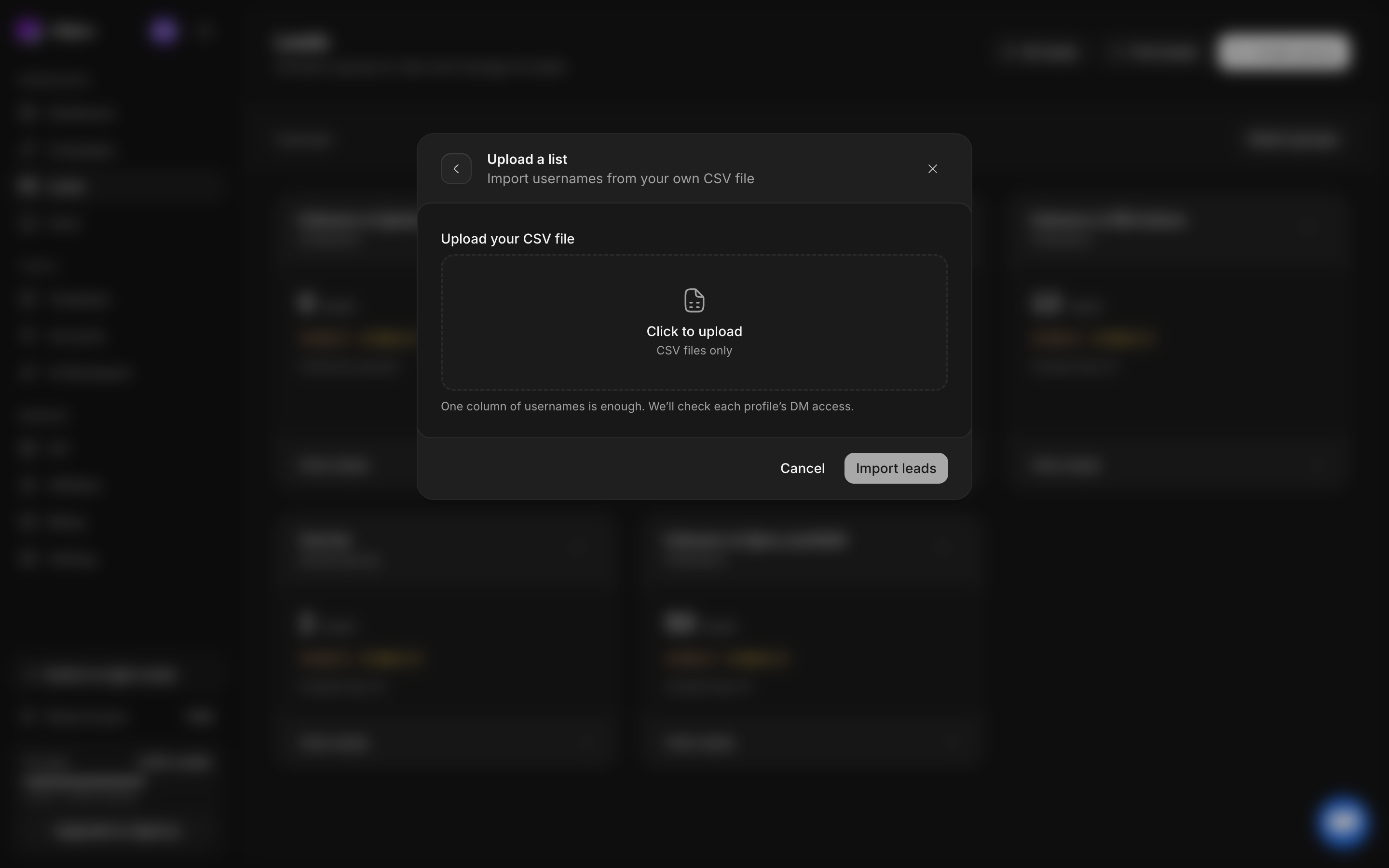
Use Leads → Find leads → Upload a list to bring an existing list of X usernames into DMpro. A single-column CSV is the least ambiguous format.
Prepare the file
Create a UTF-8 file ending in .csv. Put one handle on each line and use username as the header. Handles may include a leading @. Use handles rather than display names, email addresses, or full profile URLs.
username
example_handle
another_handle
Replace the usernames with the profiles you want to import.
The parser accepts alphanumeric characters and underscores, removes a leading @, and allows at most 15 characters per handle. It removes duplicate parsed usernames within the file. Avoid extra columns when possible: the parser looks for a username-shaped value, so unrelated short alphanumeric values can be ambiguous.
Import step by step
- Open Leads and select Find leads.
- Choose Upload a list.
- Select your CSV in Upload your CSV file.
- Enter a meaningful List name. If you opened the flow inside an existing group, the field is Import name and appears in that group’s search history.
- Add optional Tags. Press Enter or comma after each tag to commit it.
- Check the filename, parsed list information, and destination before submitting.
- Start the import, then open the destination group to watch progress.
- Inspect a few imported profiles and DM-access values before adding the audience to a campaign.
What to expect
CSV imports do not consume lead-search credits in the current import flow. They still need valid profiles and campaign eligibility checks. Importing usernames does not send DMs or override closed DMs.
Duplicates within the file are removed by the parser. Campaign setup separately summarizes duplicate leads across selected lists, so compare the eligible unique audience with the raw spreadsheet row count.
Common import problems
No valid usernames found: open the file as text and check its first column and header. Remove URLs, blank formatting, and unrelated columns.
Fewer results than rows: check duplicates, invalid handles, inaccessible profiles, and collection progress. File rows and accepted unique profiles are different counts.
Wrong group: inspect the destination before submitting. Afterward, use copy or move to organize existing records.