Set up your AI workspace
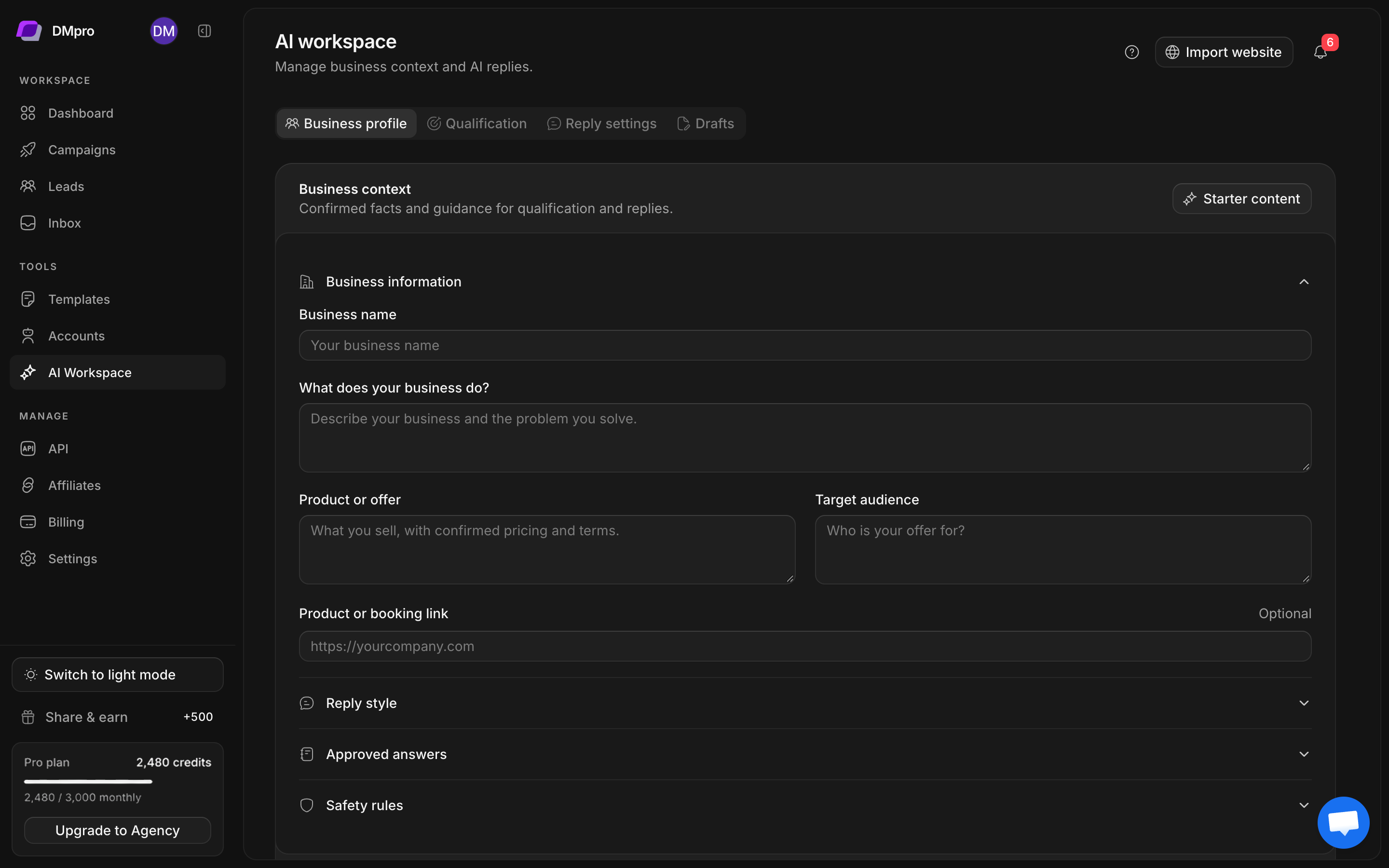
AI Workspace holds the business information used for replies and qualification. Its sections are Business profile, Qualification, Reply settings, and Drafts. On smaller screens, switch sections with the dropdown.
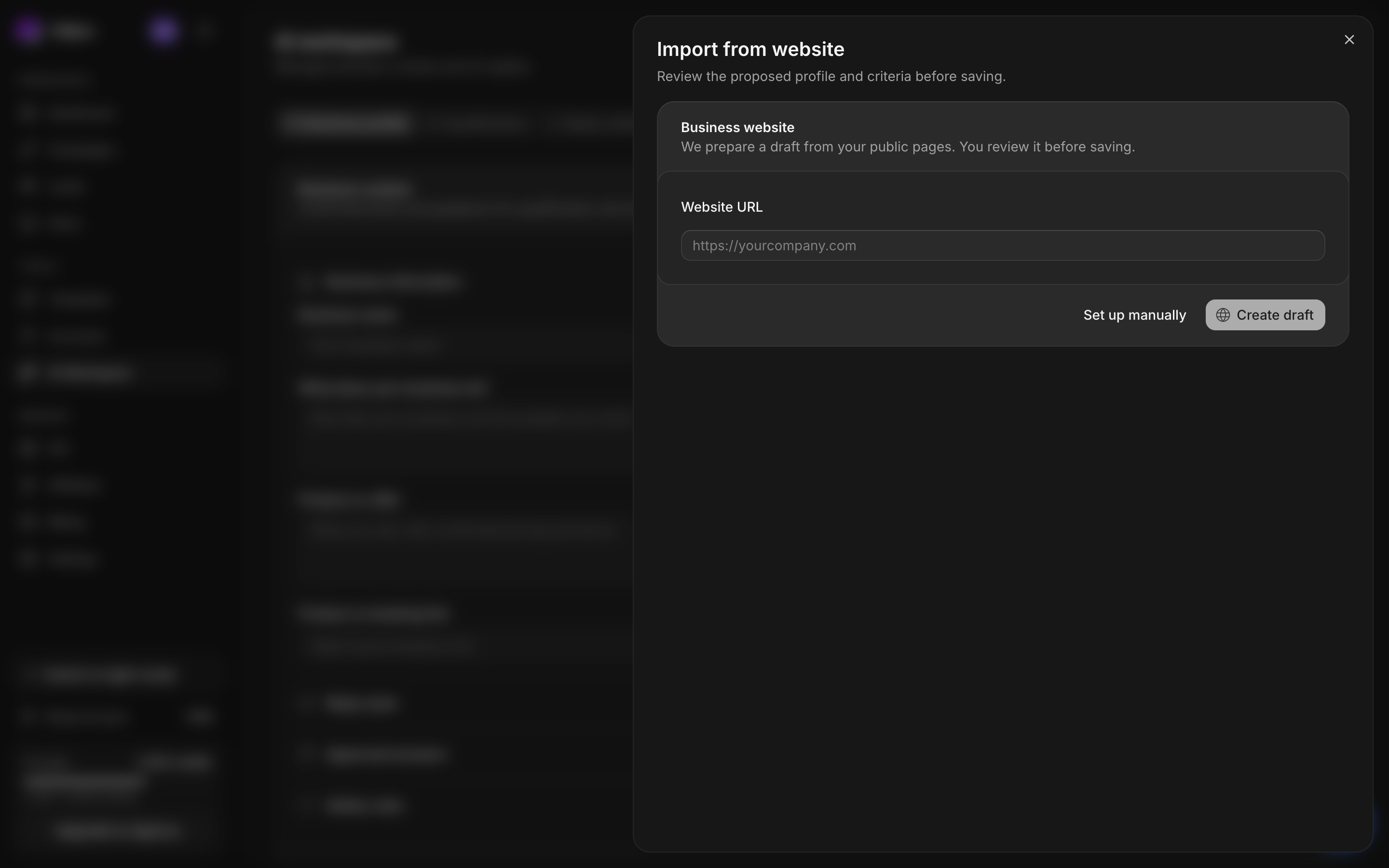
Import from your website
- Open AI Workspace → Import website. If a previous proposal is waiting, the action can say Review website setup.
- Enter your public Website URL, including
https://. - Start the import and watch its status. The flow reads available public pages and prepares a proposed business profile and qualification criteria.
- Read the proposal field by field. Check business description, product or offer, audience, tone, FAQs, response guidance, and any proposed rules.
- Correct omissions and remove unsupported claims. A website import cannot supply facts your public pages do not establish.
- Review each criterion’s type and wording.
- Decide whether to enable lead qualification with those criteria. A required Core fit criterion is needed. New setups keep automatic assessment off.
- Approve the reviewed proposal to save it, then check the resulting Business profile or Qualification section.
Enter the profile manually
Choose manual setup if you do not have a suitable public website, or if you prefer to write the context yourself.
Fill the relevant business description, actual product or offer, intended audience, response strategy, and tone. Add only approved FAQ answers. Use the restrictions and escalation fields to describe promises the AI must avoid and topics a person should handle.
Replace preset examples with your own facts. Placeholder prices, terms, and product descriptions are examples, not approved information about your business. Save the profile and check the saved state.
Configure behavior separately
A saved business profile supplies context. It does not by itself mean qualification, draft generation, and automatic replies are all active. Configure qualification and reply modes independently.
For a first pass, save the profile, preview a small number of lead assessments, and use Suggest only while reviewing reply quality in real conversations.
If import cannot finish
Check that the URL is public and the page can be opened without signing in. Read the import error before restarting. Use manual setup when the website does not contain enough accurate business information.