Reply modes and draft approval
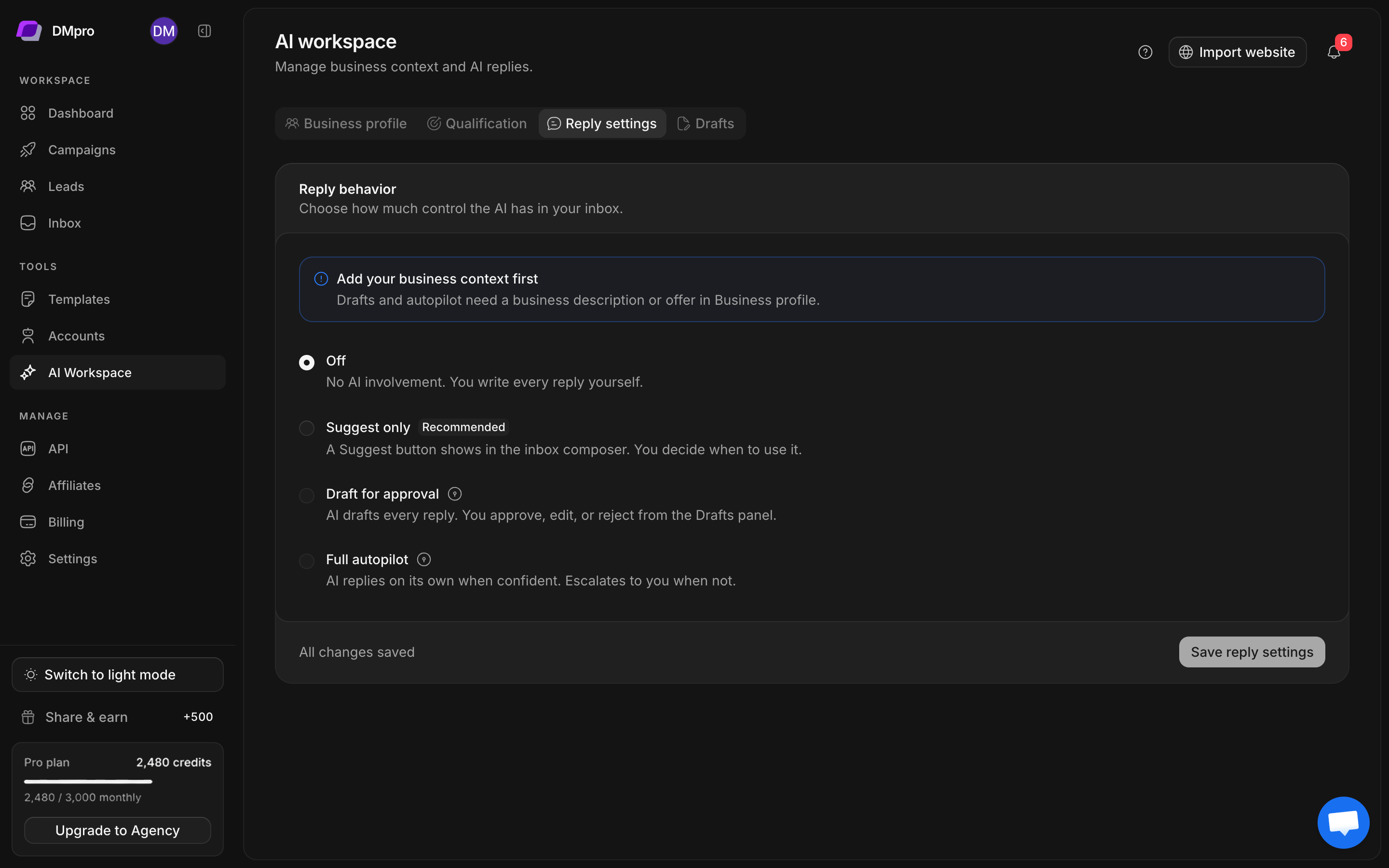
Open AI Workspace → Reply settings. This section controls the workspace’s default AI reply behavior. Review any campaign-specific AI steps separately.
Choose a reply mode
| Mode | What happens | Your role |
|---|---|---|
| Off | No AI reply involvement | Write every reply yourself |
| Suggest only | Suggest appears in the inbox composer | Request, edit, and send each suggestion |
| Draft for approval | AI prepares replies for review | Approve, edit, or reject pending drafts |
| Full autopilot | AI can send when confidence and controls allow | Monitor outcomes and handle escalations |
Apply settings
- Save an accurate Business profile.
- Open Reply settings and choose the mode you intend.
- Review the confidence threshold. Higher thresholds make automatic replies more cautious.
- Set the maximum replies per lead and maximum AI replies per day.
- Review quiet-hour behavior, escalation notifications, and draft expiry when shown.
- Save the reply settings and confirm the saved state.
Drafts and autopilot require business context. If AI is unavailable, inspect the service or account notice; changing a mode does not repair an unavailable service.
Review a pending draft
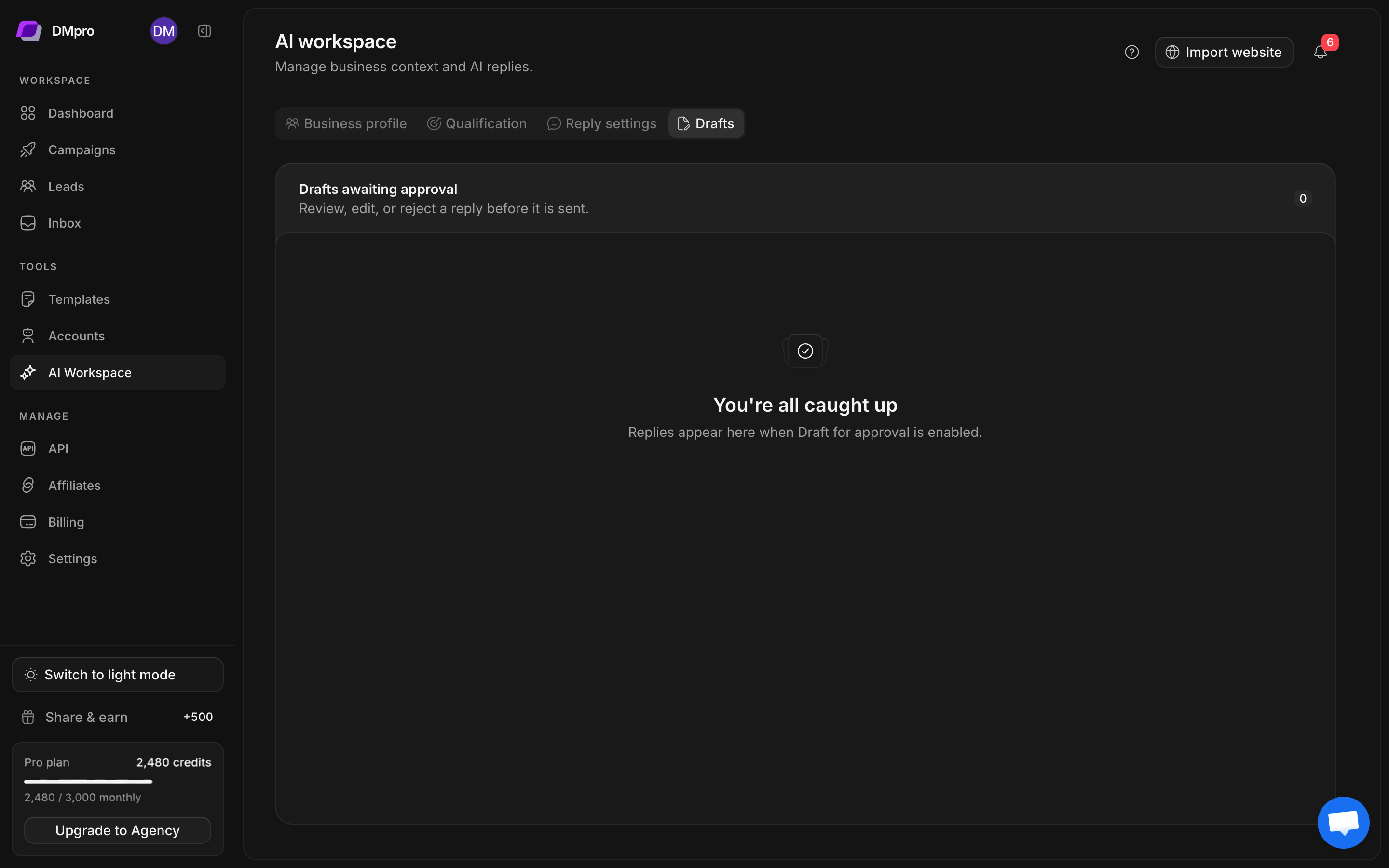
- Open AI Workspace → Drafts.
- Select a pending proposal and inspect the lead and sending account.
- Open the conversation if you need more context.
- Read the draft against the latest incoming message and your approved offer.
- Edit inaccurate statements or reject an unsuitable draft.
- Approve only when you intend the reply to be sent.
An empty queue can mean no draft has been generated or no draft remains pending. It does not prove that all conversations have been handled. Draft expiry also affects what remains reviewable.
Use autopilot deliberately
Before enabling Full autopilot, review actual suggestions and drafts, fill FAQ and escalation guidance, and set suitable reply limits. Escalations need a person to review them. Turning on Telegram escalation notifications also requires a working notification integration.
To stop further AI reply activity, select Off and save. Inspect any already queued or in-flight operation separately rather than assuming that changing a setting retracts a sent message.