Get to know DMpro
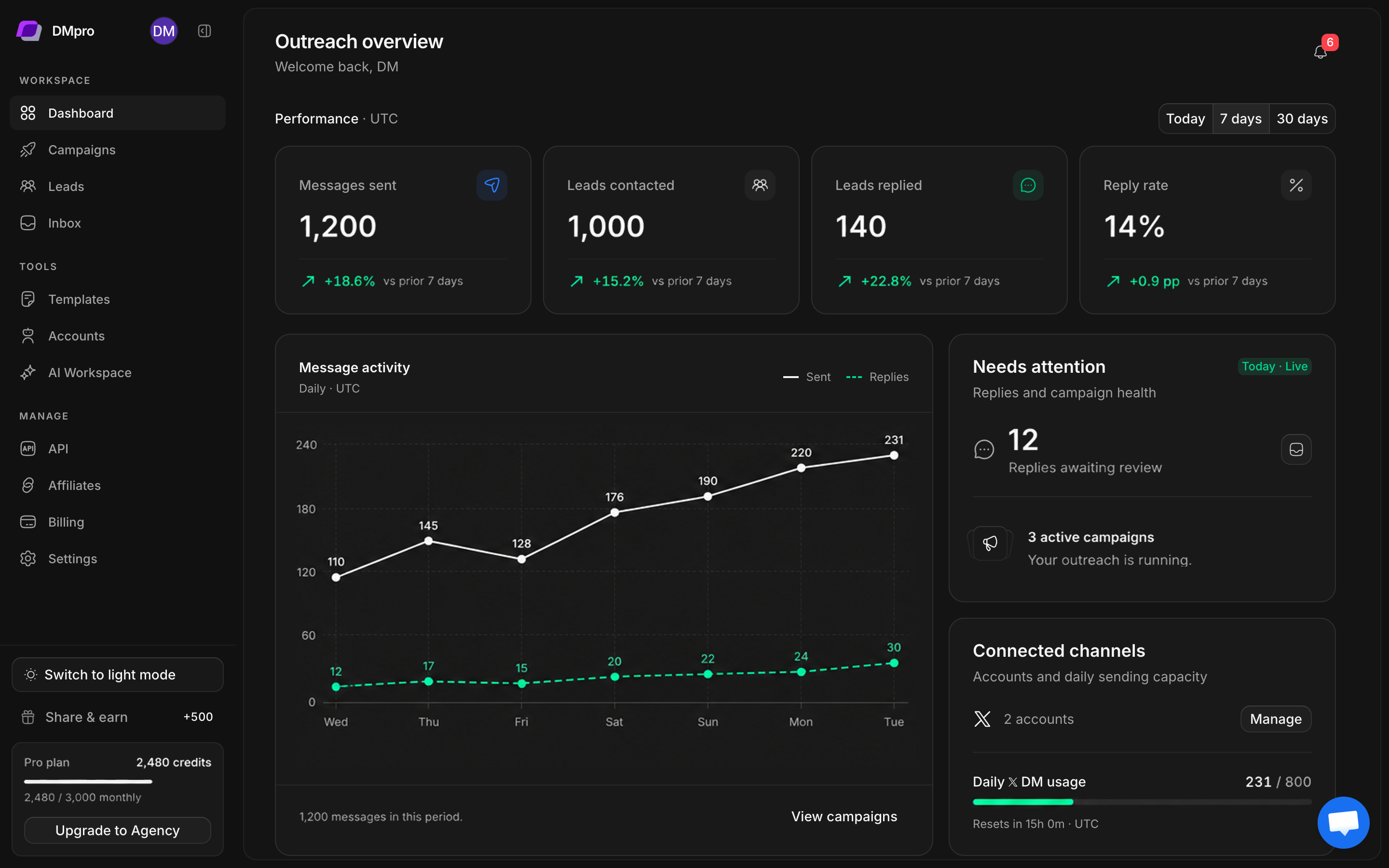
Find the right leads on X, build your outreach, and keep up with the conversations that follow. These guides take you through the actual app, one step at a time.
New to DMpro? Start with Your first campaign. Connect an account, collect a small lead group, and review your messages before sending.
Follow the setup path
1
Connect your X account
Export your session, confirm the detected profile, and check account status.
2
Build a lead group
Choose a source, set your filters, and review collected profiles.
3
Create and review a campaign
Select senders, lead lists, messages, and a workflow.
4
Follow up in your inbox
Read the conversation, review suggestions, and send a considered reply.
Pick up where you are
| I want to… | Read this |
|---|---|
| Bring an existing prospect list | Import a CSV |
| Sort leads into useful audiences | Organize lead groups |
| Understand Hot, Warm, and Cold | Qualify and review leads |
| Add a follow-up or a condition | Build a workflow |
| Write reusable messages | Templates and personalization |
| Teach AI about my business | Set up your AI workspace |
| Review AI replies before sending | Reply modes and draft approval |
| Understand usage or a limit | Billing and credits |
| Resolve a blocked action | Troubleshooting |