Find your way around
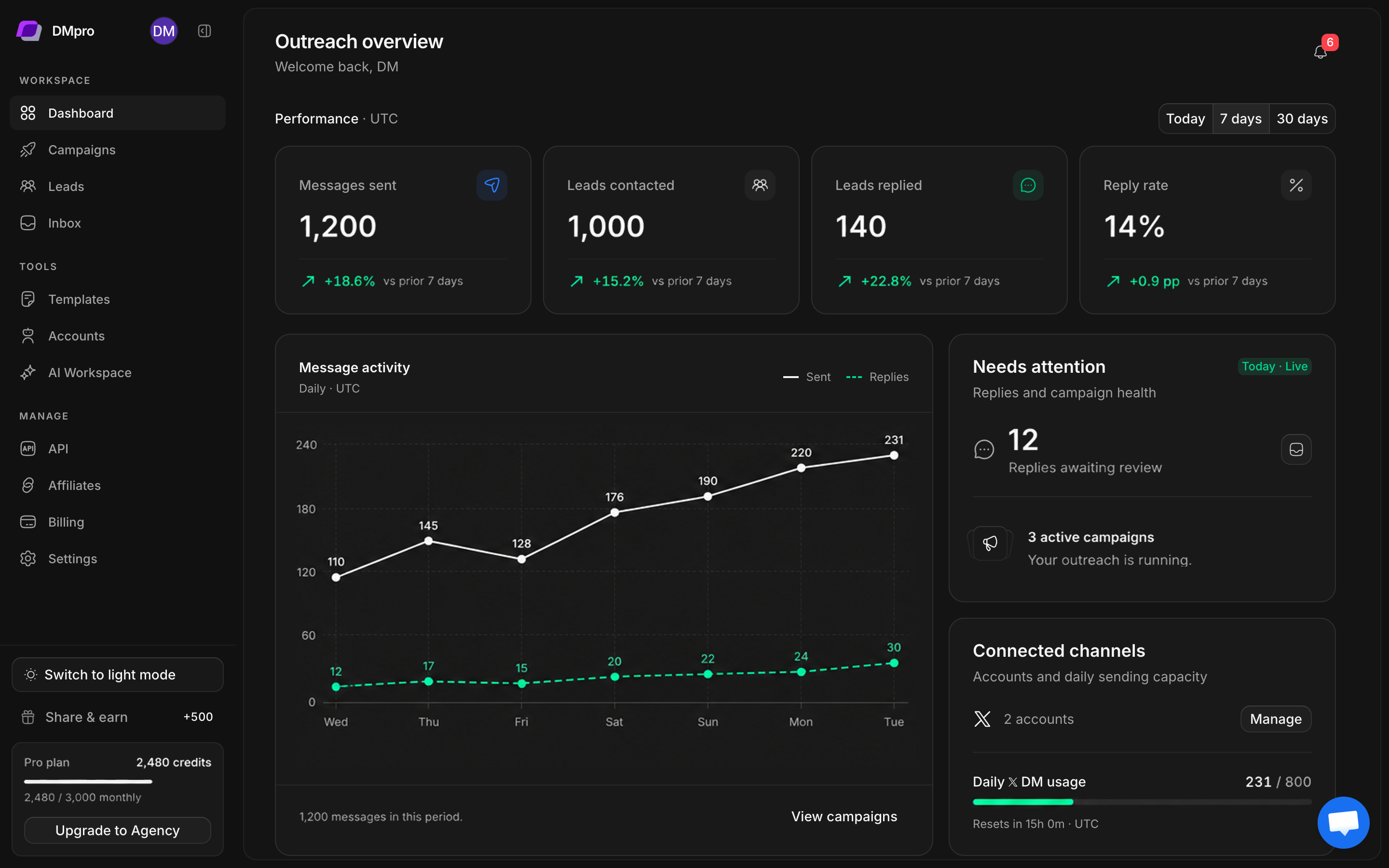
The left sidebar stays with you as you move through the workspace. Its groups separate daily outreach, reusable tools, and account management.
Workspace
| Page | Use it for | A useful first action |
|---|---|---|
| Dashboard | Reporting, campaign health, account capacity, and recent leads | Choose Today, 7 days, or 30 days |
| Campaigns | Campaign setup, workflows, progress, and sending controls | Open a campaign or create a new one |
| Leads | Lead groups, collection, imports, filters, and qualification | Open a group or select Find leads |
| Inbox | Conversations, manual replies, and AI assistance | Select the correct account and conversation |
Tools
Templates stores reusable message text. Accounts holds connected X profiles and their sessions. AI Workspace contains Business profile, Qualification, Reply settings, and Drafts.
Saving a template does not start a campaign. Saving an AI profile does not automatically enable every reply mode. Each guide identifies the action that applies or starts the behavior.
Manage
API contains integration information and API-key controls when your plan allows access. Affiliates contains the workspace’s referral tools. Billing shows plan, credits, and subscription actions. Settings groups workspace preferences and operational controls.
Use a smaller screen
- Open the navigation menu to choose a page.
- Close the menu to return to the page content.
- Look for a page’s overflow menu when an action does not fit in the header.
- In AI Workspace, use the section selector on narrow screens in place of desktop tabs.
- Scroll wide data tables horizontally where needed. Open a lead to read its full details.
Know which account you are using
Your DMpro sign-in identifies your workspace. Connected X accounts are separate sending identities. Changing an inbox account or campaign sender does not change the DMpro user you are signed in as.
Before sending, check both the recipient and the selected X account. See account management and inbox replies.